Bring clarity to your work: Qntrl Boards
Work cycles progress through various stages, and with Qntrl, teams use boards, forms, and blueprints to transform day-to-day work into well-defined, measurable processes, whether managing internal requests, automating service delivery, or coordinating cross-departmental handoffs. Qntrl’s BPM is a simple, visual way to turn all those bits into a clean, trackable process so teams stop chasing people and start moving work forward.
From process chaos to clarity
Work cycles typically progress through stages like requests, reviews, approvals, and execution. Qntrl simplifies that journey by giving teams a single view of where work stands, who’s responsible, and what’s next.
What is a board in a BPM solution?
In Qntrl, a board serves as a digital workspace that mirrors real-world business operations, such as onboarding a new hire, approving a budget, or resolving an incident. Each board contains cards, representing individual items of work, that progress through stages according to defined rules.
Why boards help:
- Visual clarity: Everyone sees the same thing: What’s pending, who owns it, and what’s next.
- Task focus: Cards carry the details and follow a defined path so nothing gets lost in chat or email.
- Quick status checks: Managers and teammates can scan a board and instantly understand progress and bottlenecks.
Common board features you’ll use:
- Columns or stages that represent process steps (e.g., Requested → Reviewed → Approved → Done)
- Cards that hold all task details: Attachments, comments, due dates, and owner
- Filters and custom views so different teams see the slice of the board that matters to them
Boards in Qntrl make complex workflows visible, measurable, and manageable, all in one workspace.
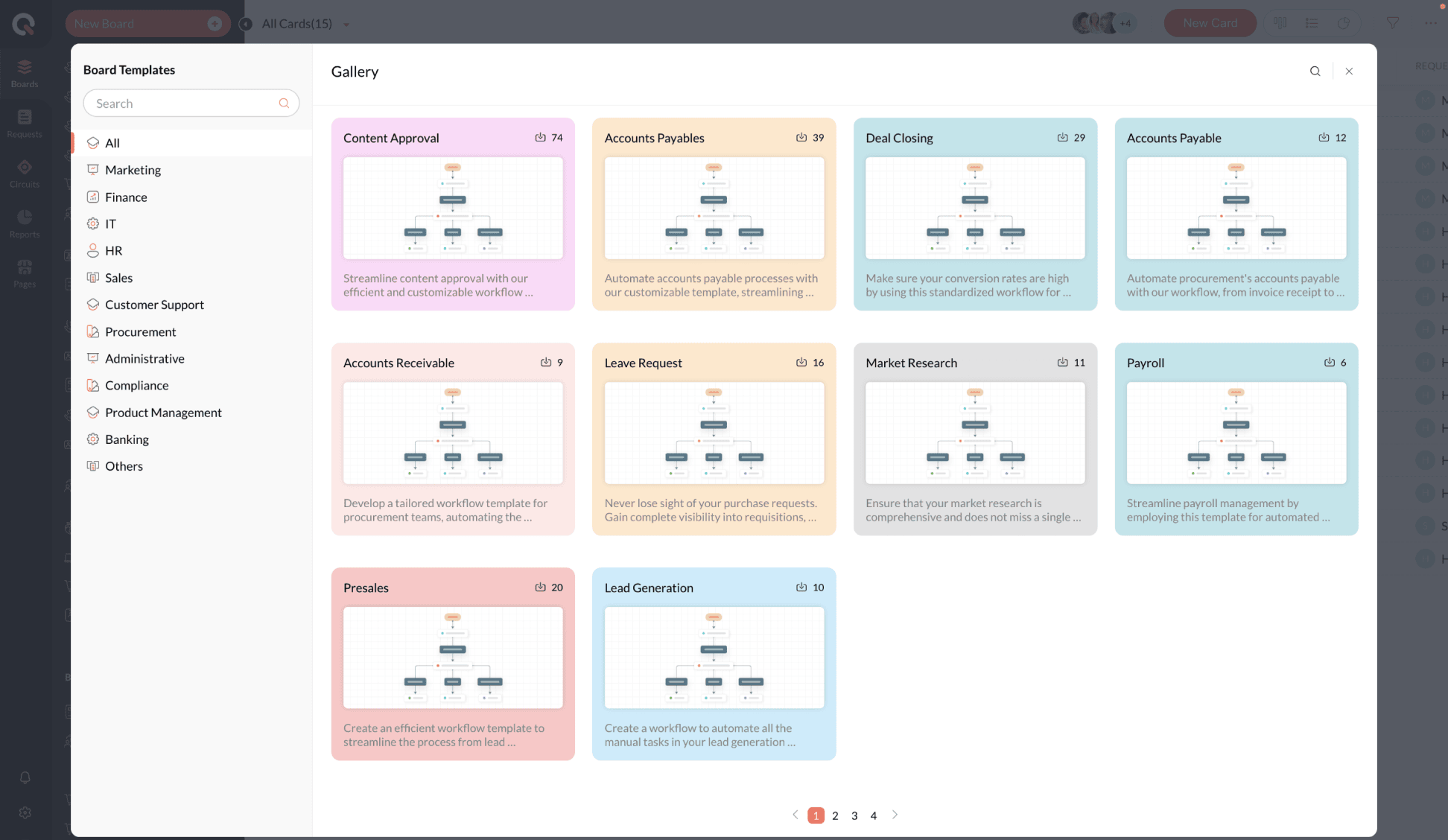
Forms: The structured way to capture work
Forms are how new work enters the board. Instead of free-text emails, a form gathers the exact fields a process needs, like request type, priority, attachments, required approvals, and so on. That means every card starts with the right information.
Why forms are practical:
- Consistent inputs: Less back-and-forth clarifying missing details
- Faster processing: Automated fields steer the work into the correct workflow automatically
- Data you can measure: Standard fields let you report on volumes, types of requests, and cycle times
Forms are flexible; you can make them public, restrict them to internal users, or embed conditional fields ("show X only if Y is selected") so that the right questions appear at the right time.
Blueprints: The process engine behind the board
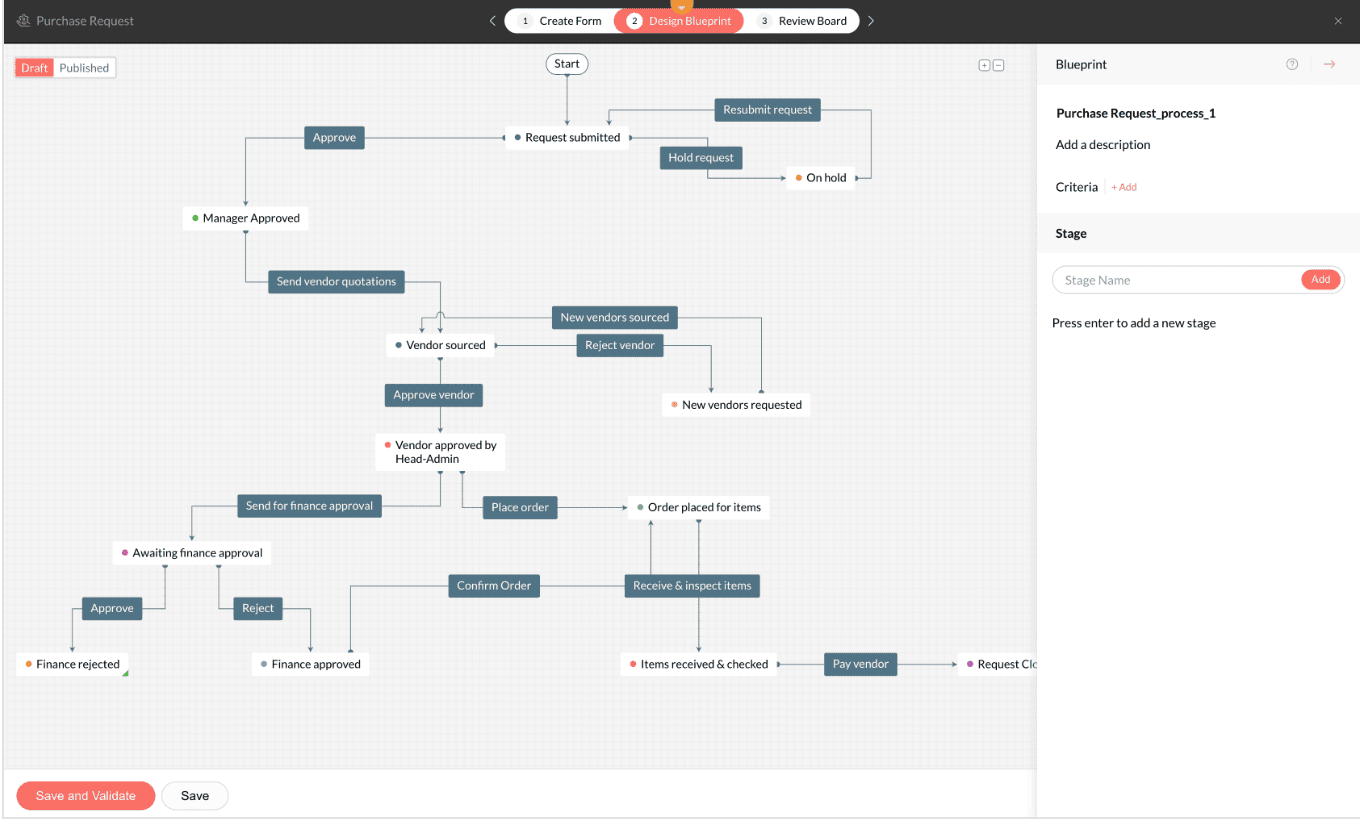
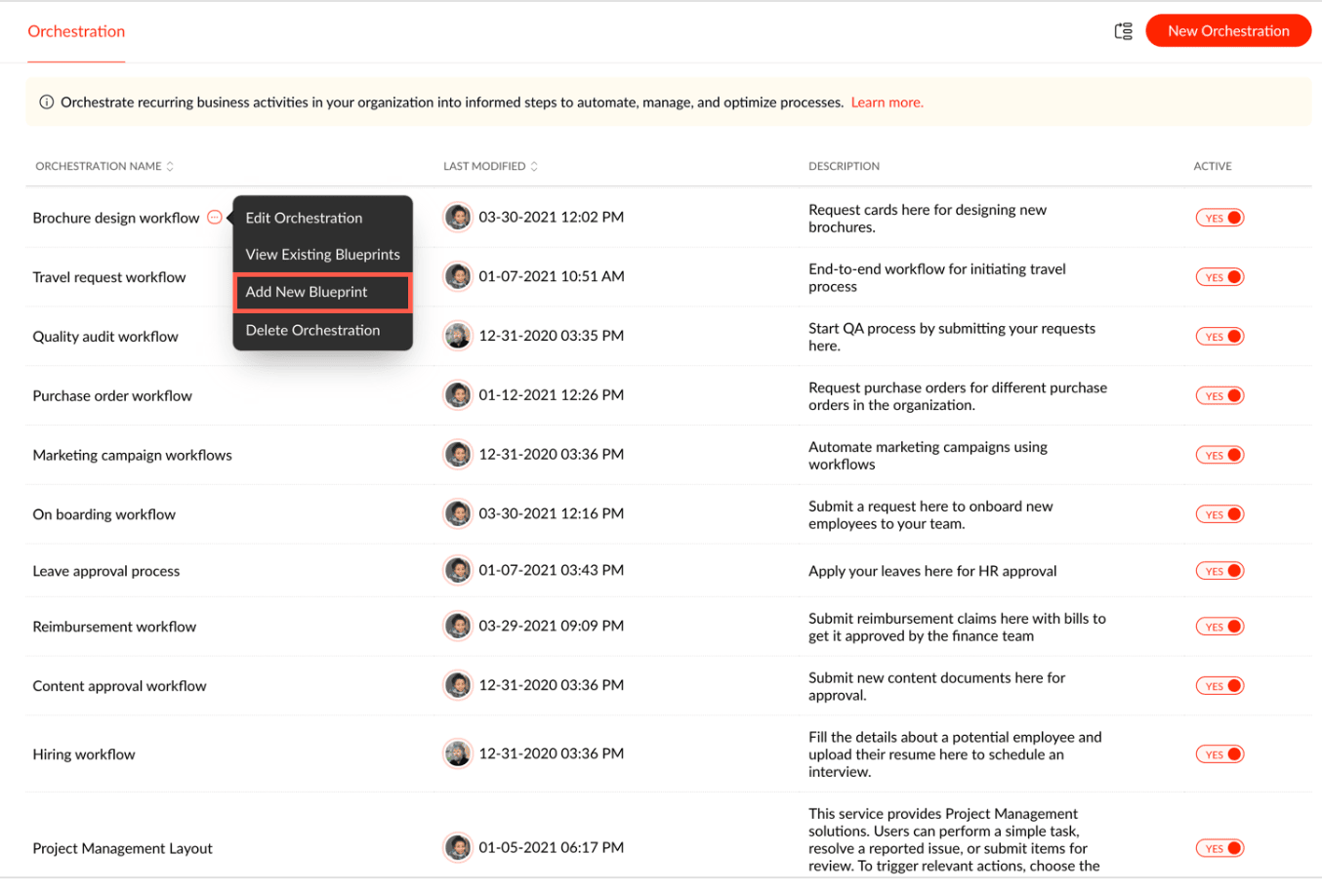
If boards are the map and forms are how you start the trip, blueprints are the markings on the road that guide how you move from one point to the next. They define the stages, the allowed transitions, the approval stops, who can take action, and what automation should run at each step.
Key blueprint capabilities:
- Transition rules: Who can move a card from stage A to B, and under what conditions
- Approvals and gates: Multi-level approvals, conditional routing, and staged sign-offs
- Automations: Automatically assigning, notifying, transforming data, calling APIs, or triggering an IT action when a card reaches a stage
- Auditability: Transition recording that allows you to see who performed the action and when
Blueprints make processes predictable and enforceable. They remove guesswork and maintain control in areas that require it (finance checks, security reviews), while allowing routine steps to run automatically.
Additional configurations: Tailoring it to your team
Adapting Qntrl to your operations
Qntrl is designed to scale from simple team boards to enterprise-grade process orchestration. Its custom fields, templates, role-based access controls, and integration options let organizations tailor workflows to their unique requirements.
With SLAs, teams can set measurable response times; notifications keep work on track; and webhooks and APIs connect Qntrl to CRMs, ERPs, or monitoring systems, ensuring that data stays synchronized across the organization.
This adaptability makes Qntrl not just a process tracker but a backbone for BPM and IT orchestration, helping both business and technical teams operate from a single source of truth.
How it all fits together
Consider an onboarding process:
- A manager fills out a hiring form in Qntrl.
- The system creates a card on the HR board under New.
- The blueprint routes the task sequentially to IT, Facilities, and Payroll for provisioning and setup.
- Automations handle email creation, equipment assignment, and access permissions.
- Progress is fully trackable from start to finish, with analytics showing cycle times and completion rates.
What once required multiple follow-ups and manual coordination now happens automatically, visibly, and efficiently.
Why teams choose boards
- It unifies BPM and IT orchestration within one solution.
- It provides structure and clarity to every workflow, regardless of its complexity.
- It empowers both business users and IT teams with the right level of control, flexibility, and visibility.
- It scales naturally, from lightweight team workflows to enterprise-grade orchestration that supports compliance and integration.
Qntrl helps teams move from ad hoc work to repeatable, auditable, and data-driven operations, where every process flows seamlessly and intelligently.

Enjoying your reading?
Enjoy organization and visibility too!
Qntrl can help you organise, control and improve production and projects in your team.